Plain UpscalerPlain Upscaler
  • Home
  • Pricing
  • My Creations
Plain Upscalerplainupscaler.com
Halloween AI looks / Glow Dinosaur Pet

Halloween 2026 lookbook

Glow in the Dark Dinosaur Pet Costume Photo

A dinosaur suit with soft green glowing spikes, built from your pet’s photo and lit by Halloween string lights.

Try this lookCompare credit packs

Example images on this page were generated with GPT Image 2 for Plain Upscaler. They show the intended direction, not a guaranteed result from every photo.
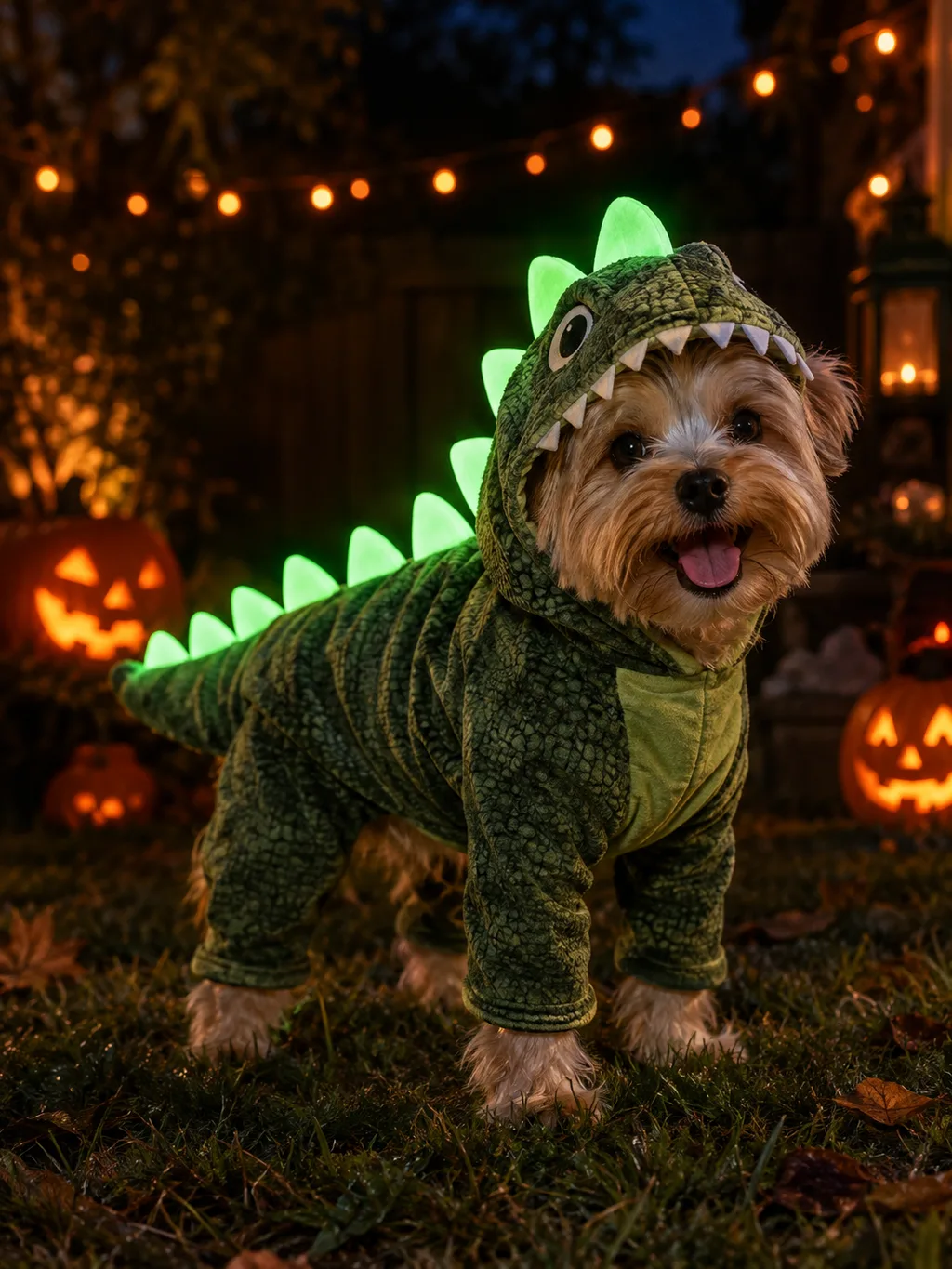
Small dog wearing a glow-in-the-dark dinosaur costume with green luminous spikes in a backyard with Halloween lights

Edit your own photo into this look

Upload a portrait, keep or edit the prompt, and generate. The model works from your photo, so the result keeps your face and pose while changing the costume, hair, and scene.

Image editing runs on the existing Nano Banana editor. Clips are generated by the video model you choose, then cleaned up with the existing video upscaler.

Images Upload

Upload an image to use as a reference, maximum 5 images allowed.

Support multiple images • 0/5 uploaded
PromptDescribe what you want to change in the image
Translate your prompt to English for better results.
714/5000
Aspect RatioOfficial
Native
Square
Portrait
Landscape
Cinematic

Native, portrait, landscape, and cinematic aspect ratios now render directly with no reframe delay or extra credits.Official ratios: 1:1 • 9:16 • 3:4 • 2:3 • 4:5 • 16:9 • 4:3 • 3:2 • 5:4 • 21:9

Output Format
This generation will cost 30 Credits
Available Credits: 0

Output Gallery

Your ultra-fast AI creations appear here instantly

🖼️
Ready for instant generation
Enter your prompt and unleash the power

About this look

The glow-in-the-dark dinosaur is one of the most shareable pet costume ideas this year because it reads instantly in a small photo. This preset adds the luminous spikes and a night backyard set while keeping the animal’s breed and markings.

It is a photo edit, not a costume mockup. The costume follows the pet’s actual body, and the eyes stay uncovered so the portrait still looks like the animal you know.

Luminous green spikes

The glow is soft and localized, so it reads as costume detail instead of a neon overlay.

Fitted dinosaur suit

The suit follows the pet’s body and keeps the eyes, ears, and paws visible.

Night backyard set

Warm string lights and carved pumpkins contrast with the green glow and add depth.

How to use this look

  1. 1

    Upload one clear portrait

    Use a front-facing photo with even light and no heavy filter. One person works best for this preset; for a couple, use the Cowboy & Angel page.

  2. 2

    Generate and compare

    Run the preset, then compare the result with the original. Check the face, hands, jewelry, and any lettering before you publish it.

  3. 3

    Download or animate

    Download the still, or take the video prompt to an image-to-video model and bring the finished clip back to the video upscaler.

Before you upload

  • •Use a photo you own or have permission to edit.
  • •AI editing can change small details; review faces, hands, jewelry, and text before posting.
  • •Do not use a real person's likeness for ads or claims without consent.

Prompt recipe

Prompts stay in English because the image model follows English descriptions more reliably. Edit the prompt before you generate if you want a different background or lighting.

Use the uploaded pet photo as the primary reference. Preserve the animal’s original breed, fur color, distinctive markings, eye color, facial appearance, and natural anatomy. Dress the pet in a glow-in-the-dark dinosaur costume with soft green luminescent spikes along the back and a fitted body suit. Keep the costume comfortable and do not cover the animal’s eyes. Place the pet in a dark backyard with warm Halloween string lights, carved pumpkins, and soft green glow on the ground. Create a photorealistic professional pet portrait with realistic fur and fabric texture. Keep the same number of animals as the uploaded photo. Avoid extra animals, unnatural paws, duplicated limbs, text, logos, and watermarks.

Turn the still into a short clip

Generate the portrait first, then use this prompt with an image-to-video model such as Wan 2.6 or Kling 2.6. Keep the first clip to five seconds and ask for small motion.

Image-to-video prompt

Use the provided image as the exact visual reference and starting composition. Create a continuous five-second cinematic pet portrait animation. Keep the animal’s breed, fur markings, costume, and body proportions consistent with the reference. The pet looks toward the camera and wags its tail slightly. The green luminous spikes pulse softly, and warm string lights shimmer in the background. A few autumn leaves drift past. The camera performs a very slow, gentle push-in. Maintain realistic motion, stable anatomy, and consistent lighting. Do not change the animal’s species or markings, add animals, or introduce sudden scene cuts. No text or watermarks.

The clip is generated by the video model you choose. Plain Upscaler's video upscaler can clean and enlarge the finished file; it does not animate the still by itself.

Halloween video prompt guideUpscale the finished clip

Questions about this look

Halloween 2026 lookbook

More Halloween looks

See all 10 Halloween looks
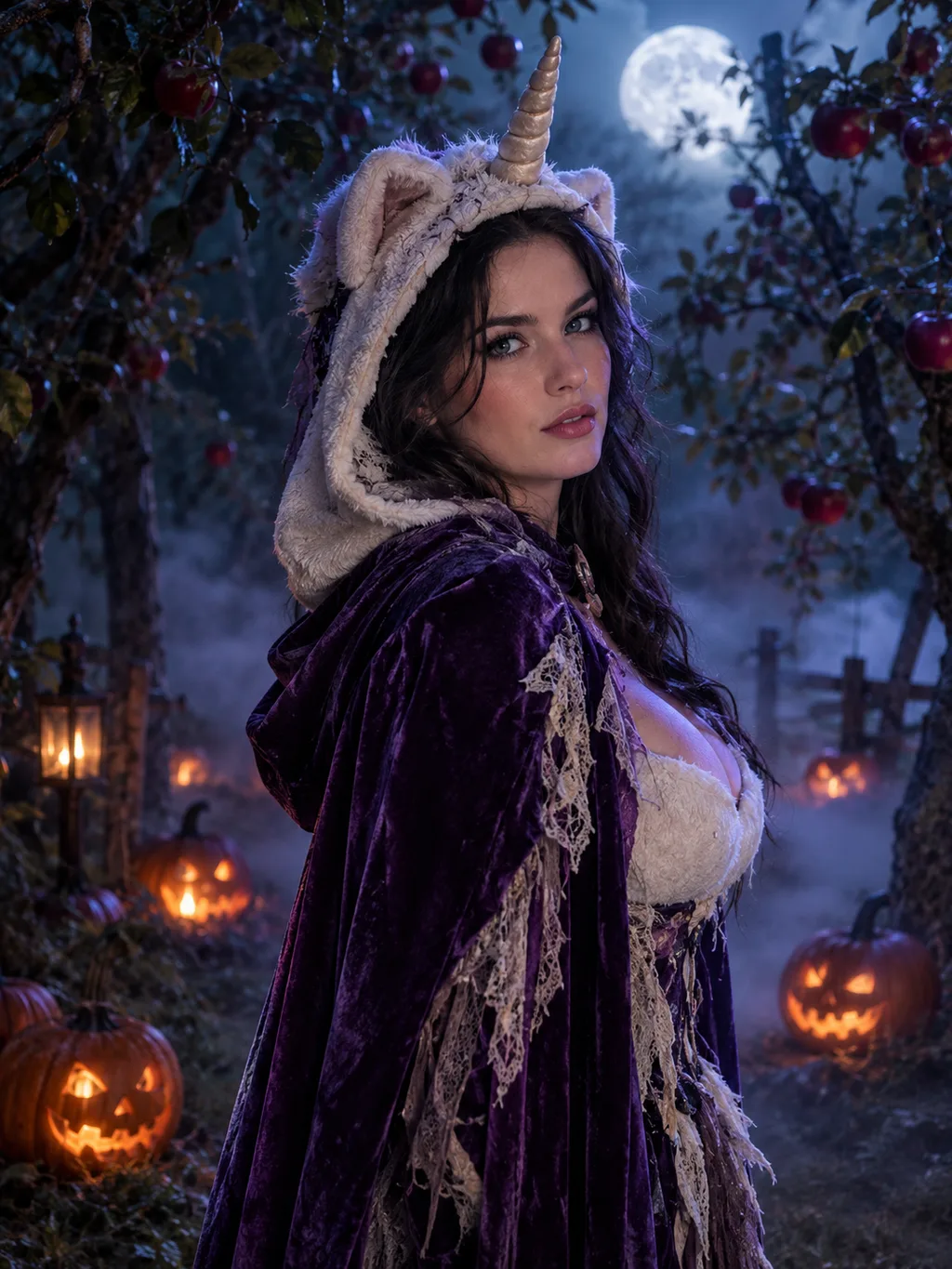
Adult model in an original haunted unicorn costume with a plush horn and violet cape in a foggy moonlit orchard

Haunted Unicorn

A plush horn, a violet cape, and a foggy orchard: an original mascot-inspired look built for the 2026 unicorn trend.

View this look
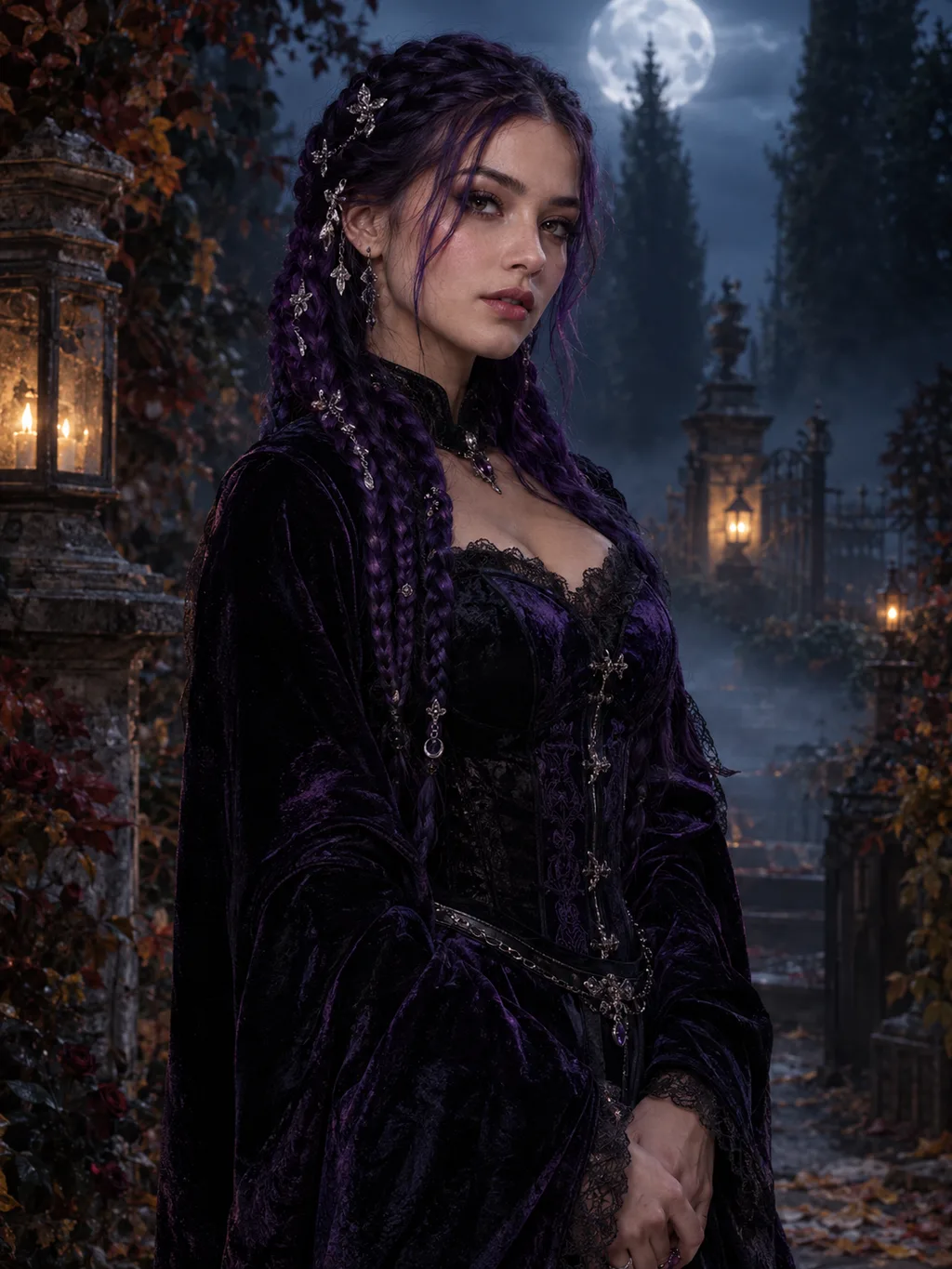
Adult model with long violet braids in a black and purple velvet gothic outfit in a moonlit Victorian garden

Midnight Braids

Violet braids, silver hair jewelry, and a foggy Victorian garden: a gothic look that starts from your own portrait.

View this look
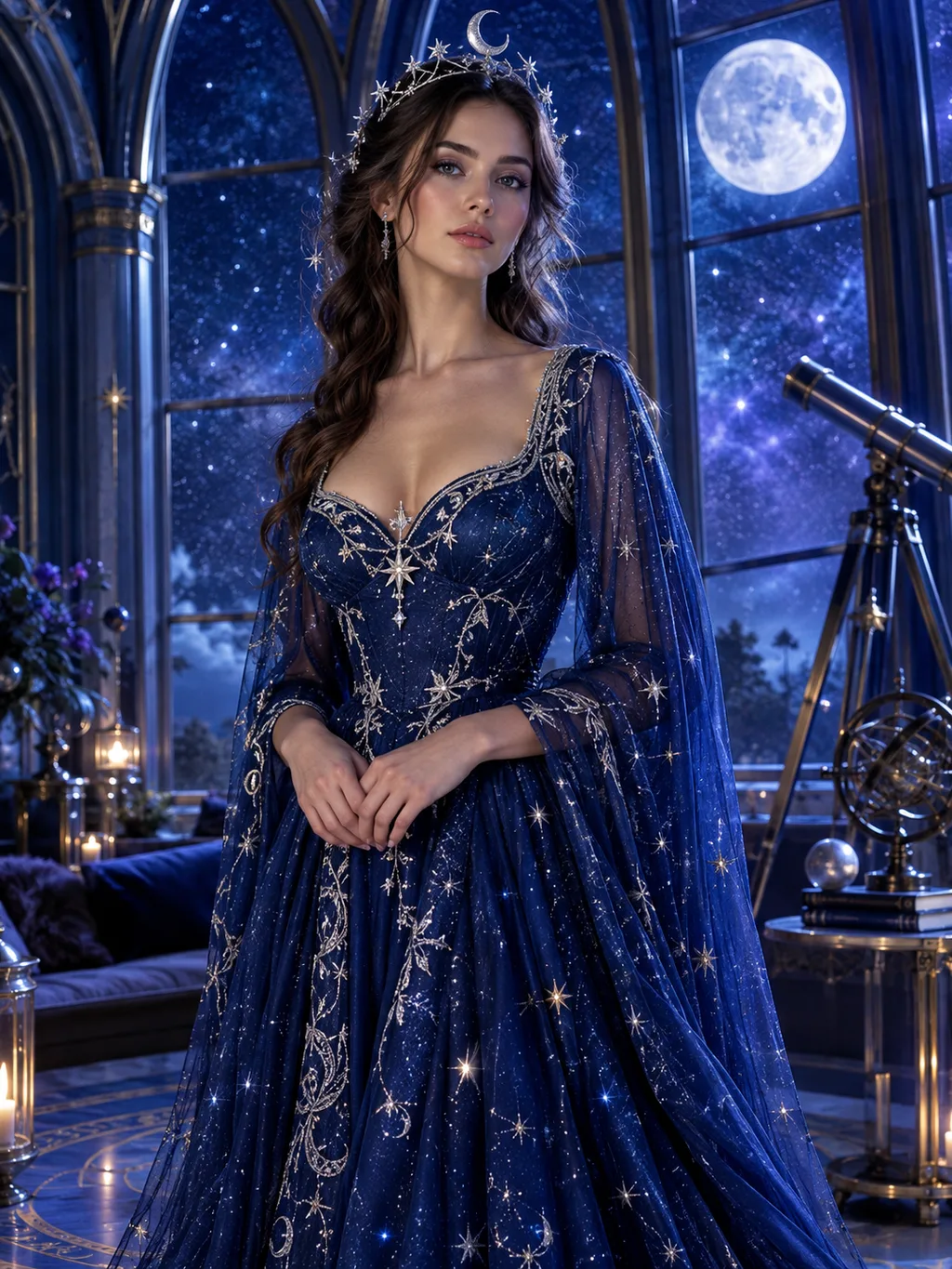
Adult model in a midnight-blue celestial gown with glowing star patterns and a silver moon crown in an observatory

Cosmic Princess

A glowing star gown, a silver moon crown, and an observatory at night: a fantasy princess look without the sewing.

View this look
Open the Halloween prompt librarySee all 10 Halloween looks
Plain UpscalerPlain Upscaler

AI image and video upscaling. Image previews when available; video processing uses credits. Limited video trial eligibility is shown on the SeedVR2 page.

Service

Plain Upscaler

Independent AI media service

Plain Upscaler wraps third-party image and video models in a simpler production workflow.

Image upscalingPhoto restoration and cleanupEnhancement and restoration
Access
Image previews when available, prepaid processing credits, subscriptions, and a limited video trial.
Website
plainupscaler.com
Formal notices
support@plainupscaler.com
Halloween AI looks
  • Halloween AI looks
  • Haunted Unicorn
  • Midnight Braids
  • Cosmic Princess
  • Halloween Robot
  • Pumpkin Pet
  • Cowboy & Angel
  • Forest Witch
  • Skeleton Makeup
  • Backrooms Portrait
  • Glow Dinosaur Pet
  • Halloween prompt library
  • Halloween video prompts
AI Tools
  • Plain Upscaler
  • Free Image Upscaler
  • Video Upscaler
  • Video Upscaler Pro
  • SeedVR2 Upscaler
  • Image Watermark Remover
  • Sora 2 Watermark Remover
  • Bulk Sora 2 Watermark Remover
Use cases
  • Use cases
  • Old Photo Restoration
  • Product Photo Upscaler
  • Portrait Enhancer
  • Anime Image Upscaler
  • AI Art Upscaler
  • 4K Video Upscaler
  • HD Photo Converter
  • Veo Watermark Remover
  • Blur-Free Video Watermark Remover
  • Depixelate Image
  • Scanned Document Enhancer
  • JPEG Artifact Remover
  • Photo Noise Reducer
  • Color Banding Remover
  • Remove Logo From Video
  • Unblur Video
  • Video Denoise
  • Restore Old Video
  • Upscale 480p to 1080p
  • Wedding Sign Upscaler
  • Sublimation Design Upscaler
  • Photo editors
  • Photographers
  • Real estate photographers
  • Product photographers
  • Ecommerce sellers
  • Amazon sellers
  • Etsy sellers
  • Shopify merchants
  • Print shops
  • Wedding photographers
  • Portrait studios
  • Thumbnail designers
  • Social media managers
  • Archivists
  • Museum catalogers
  • Yearbook editors
  • Graphic designers
  • Interior designers
  • Marketplace sellers
  • Restoration labs
  • Newspaper photo desks
  • Comic artists
  • Apparel sellers
  • Catalog managers
Company
  • About
  • Blog
  • Image upscaler comparison
  • Support
Legal
  • Terms of Service
  • Acceptable Use Policy
  • Privacy Policy
  • Refund Policy

Plain Upscaler is an independent product. References to third-party models and brands describe compatibility only, and all third-party trademarks remain the property of their respective owners.

Credit estimates use server-verified image dimensions and the requested output scale. The estimate appears before you run a job.

© 2026 Plain Upscaler All Rights Reserved.
English中文Español